
MCP (Model Context Protocol)

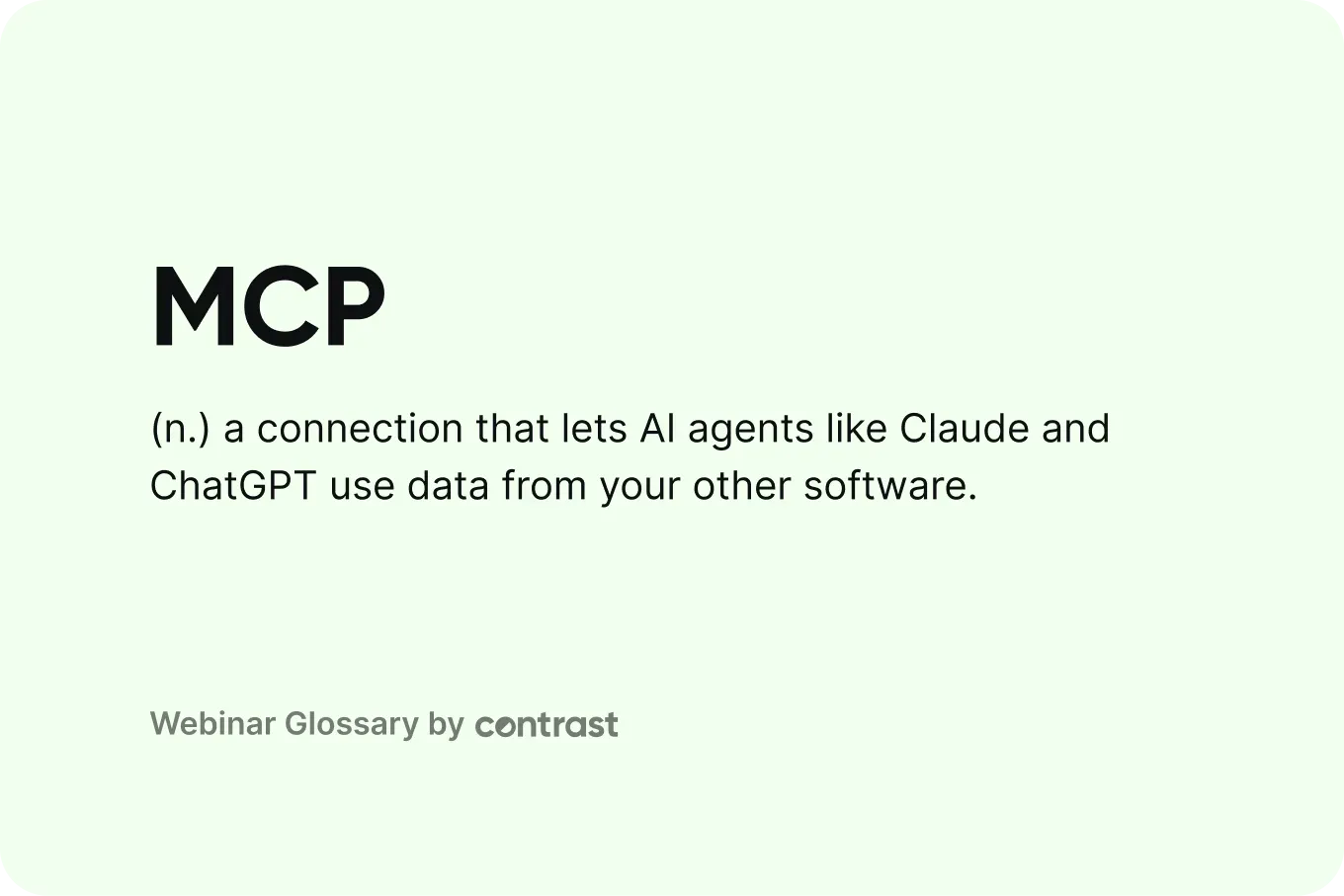
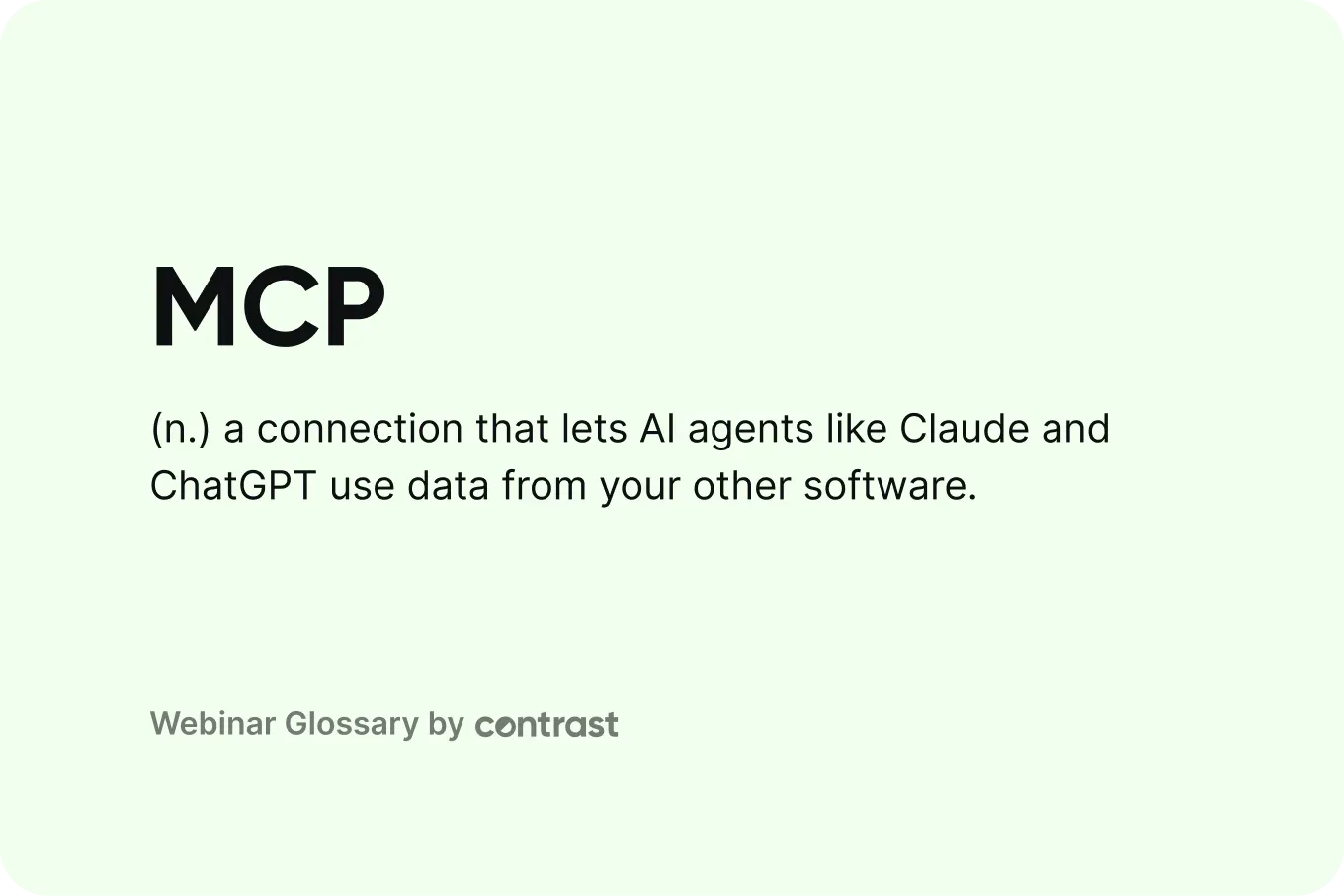
MCP is a connection that lets AI agents from tools like Claude and ChatGPT read and use data from your other software, like your CRM or webinar platform.
What is MCP?
MCP stands for Model Context Protocol. It’s a connection that lets AI tools like Claude and ChatGPT read and use data from your other software.
Without MCP, an AI assistant only knows what you paste into the chat. With MCP, it can go straight to the source. Ask “how many people attended our last webinar?” and it pulls the answer from your webinar platform. With your permission, it can also take actions there, like scheduling a new webinar or drafting a response email.
No single company owns MCP. Anthropic, the company behind Claude, introduced it in November 2024. In December 2025, Anthropic handed it over to the Linux Foundation, a nonprofit, with OpenAI and Block as co-founders of the group that now runs it. That’s why any AI application can use it and any software company can build for it.
For marketers, this means you can ask questions about your CRM, email or webinar data in plain language. The answers come from live data and show up right in Claude or ChatGPT, with no exports or switching between tools.
How does MCP work?
MCP has three parts:
- The AI app: the tool you type into, like Claude or ChatGPT.
- The MCP server: the connection a software company builds so AI apps can reach its data. Your webinar platform would have one, and so would your CRM.
- Tools: the specific things a server lets the AI do, like “get attendees” or “create a webinar.”
You ask a question in the AI app. The AI picks the right tool. The MCP server fetches the data or takes the action. The AI answers you with the result.
Note: you’ll often hear people say “an MCP” or “MCPs.” That’s shorthand for an MCP server.
MCP vs API
An API is how software talks to other software. Developers use it to build integrations, like syncing webinar registrants into a CRM. Each integration is built and maintained by hand.
MCP is built for AI agents instead of developers. You don’t write code. You ask a question in plain language, and the AI uses the MCP server to get the answer.
| API | MCP | |
|---|---|---|
| Built for | Software talking to other software | AI agents like Claude and ChatGPT |
| How you set it up | A developer builds the integration, or you turn on a pre-built one | Sign in to a pre-built connector in your AI app |
| How you use it | Data moves in the background on fixed rules | Ask a question in plain language |
| Example | Syncing webinar registrants into your CRM | Asking "how many people attended our last webinar?" |
The two work together. Most MCP servers sit on top of a tool’s existing API and make it usable by AI. Learn more about how a webinar API works.
How is MCP used for webinars?
Webinars create a lot of useful data: who registered, who showed up, how long they watched and what they asked. MCP lets an AI agent work with that data directly. Common use-cases include:
- Reporting: “Which of our webinars last quarter had the best attendance rate?”
- Finding hot leads: “Who watched most of the session and answered a poll?”
- Follow-ups: “Draft one email for attendees and another for no-shows.”
- Repurposing: “Turn this webinar transcript into a blog post and three LinkedIn posts.” See how to repurpose a webinar.
The answers are only as good as the data behind them. A webinar platform that tracks watch time, poll answers and CTA clicks gives the AI far more to work with than a simple attended or didn’t attend. More about webinar engagement.


Give your AI better webinar data
Track watch time, polls and CTA clicks for every attendee
Start for free