
How to Make a Great Webinar: With Examples

Webinars live or die based on the content. Good webinar content doesn’t start with slides or promotion. It starts with listening to your audience. It’s shaped into a story that’s easy to follow. And it creates space for real interaction. That's when webinars feel useful and engagement is natural.
This guide breaks down how to create great webinar content. You’ll learn how to choose the right topic, structure the session, keep people engaged, and get long-term value after the webinar ends.
1. Webinar content starts with listening (not ideation)
Most webinar content fails before the webinar is even announced. Not because the slides are bad or the speaker isn’t polished, but because the topic was chosen in a vacuum.
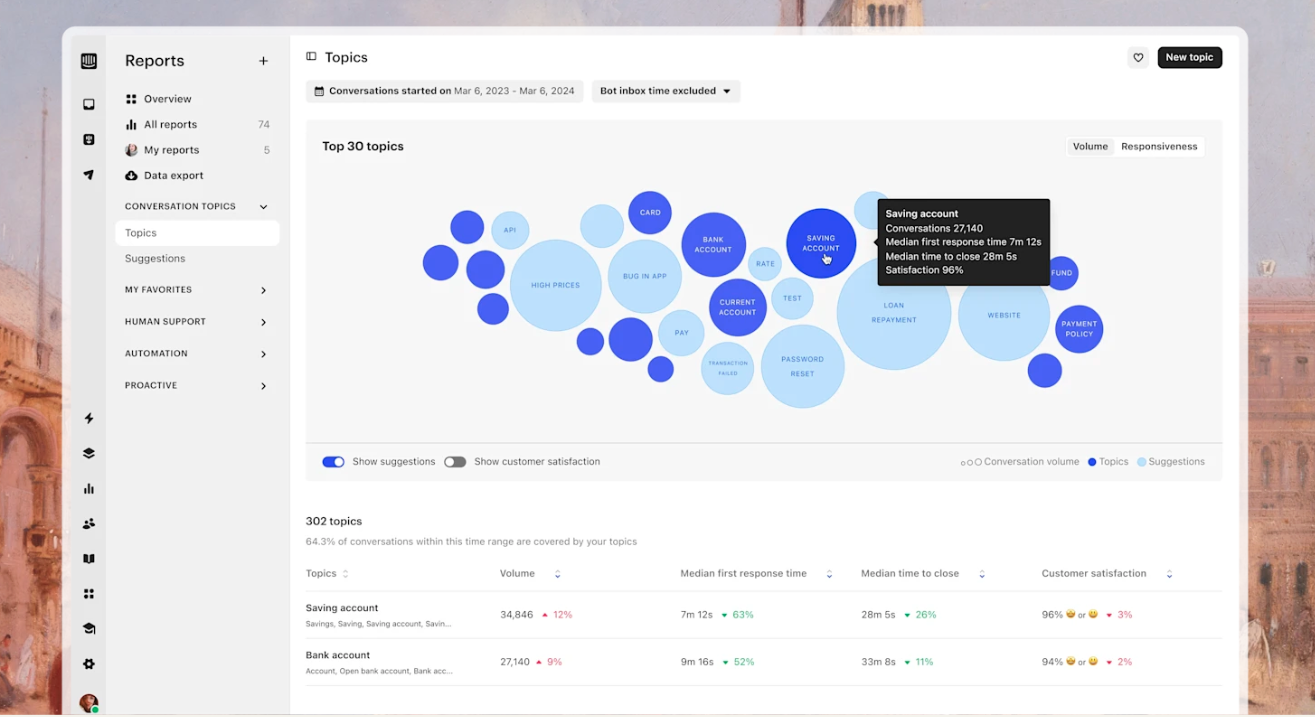
Listen up: Good webinar content doesn’t start with brainstorming. It starts with listening. When teams sit down and ask “what should we talk about?”, they are guessing. And guessing is risky. The strongest webinar content comes from problems your audience is already talking about. It does not come from ideas you hope they care about.
A few principles to keep in mind:
- Webinar content is not about originality, it’s about relevance
- The best topics already exist in your audience’s questions, objections, and conversations
- Listening reduces risk. Guessing increases it
- “Good ideas” are not the same as “useful ideas”
- Webinar content works best when it addresses a problem the audience already feels
- The more specific the audience, the stronger the webinar content
If your webinar topic could apply to almost anyone then it usually resonates with no one. Strong webinar content feels relevant to the audience. It puts words to something they are already experiencing and helps them make sense of it.
Where to listen for webinar content ideas
You don’t need more inspiration. You need better signals.
The best webinar content comes from places you already have access to:
- Sales calls where the same questions come up again and again
- Support tickets that reveal confusion, friction, or frustration
- Community discussions, Linkedin comments, or Slack threads
- Product usage patterns that show where people struggle or stall
It's not noise when multiple people ask variations of the same question. That’s a webinar topic. The goal isn’t to invent demand. It’s to recognize it. Once you start listening webinar content becomes much easier to plan. You’re no longer guessing what might be interesting. You’re responding to what already matters.
2. Good webinars are about story and flow, not slides or scripts
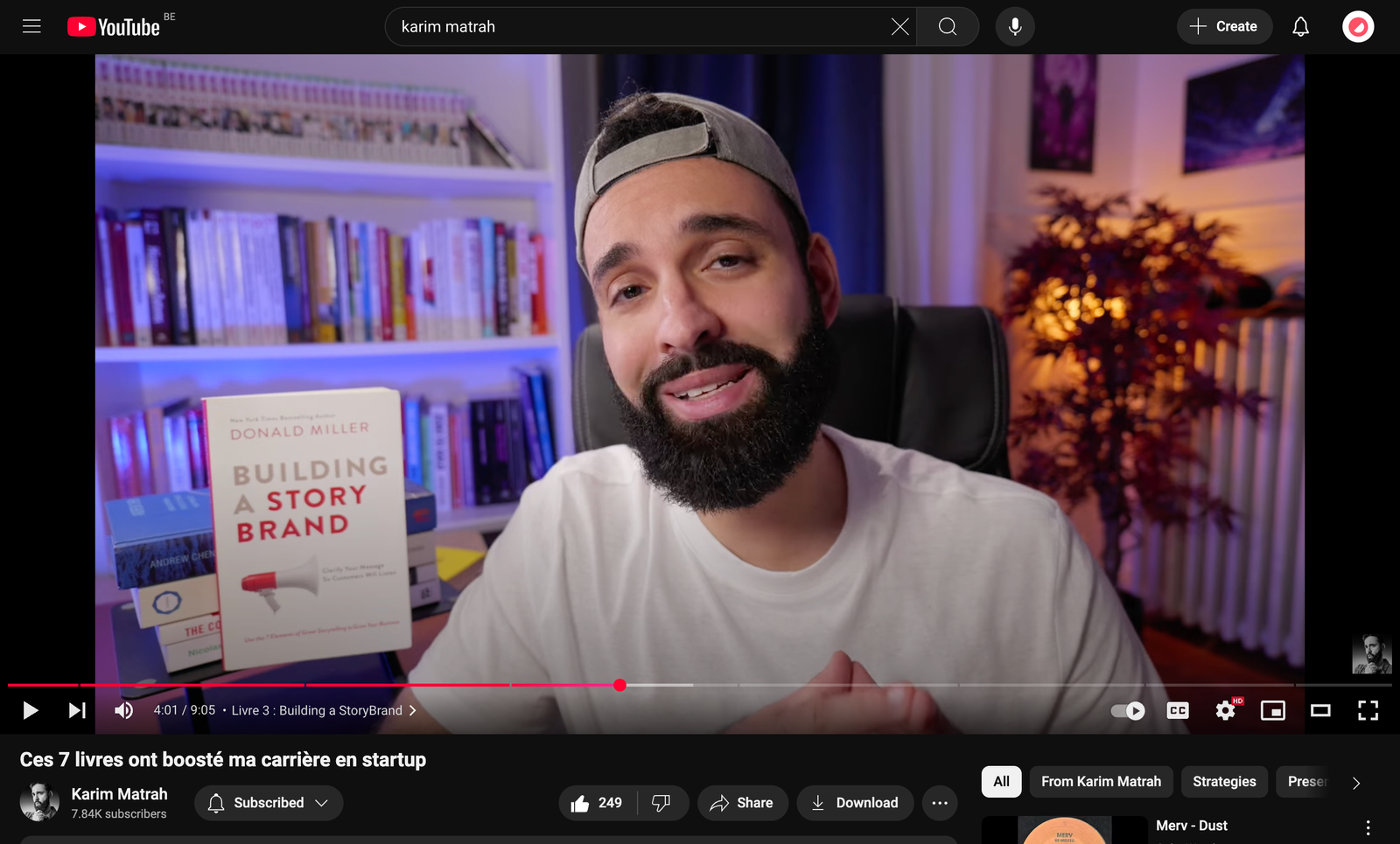
Once you’ve listened to your audience and chosen a real problem to focus on, the next mistake is jumping straight into slides. Great webinar content does not start with a deck. It starts with a clear story.
People stay engaged when they feel like something is unfolding. They lose interest when content feels overloaded, boring, or directionless. The most effective webinars have a sense of flow that makes it easy to follow along and understand why each part matters.
A few things to keep in mind:
- Webinar content should move somewhere. Don't just present information!
- Clear flow matters more than perfect slides
- Structure helps the audience stay oriented and engaged
- Slides should support the message, not compete with it
If your webinar feels like a collection of points people will drop off even if the topic is strong. If this happens then you're wasting your time.
Turn a topic into a story people want to follow
Strong webinar content usually follows a simple narrative arc. Start by clearly framing a problem the audience recognizes. Then introduce a better way of thinking about that problem. From there show practical examples, evidence, or steps that make the idea feel achievable.
Success doesn’t require scripting every word. It requires knowing:
- What the audience already believes
- What you want them to understand by the end
- What needs to happen in-between
When the flow is clear a webinar feels easier to follow and easier to remember.
Choose a format that supports the story
The format you choose should make the story easier to tell.
Different webinar formats create different experiences:
- A solo presentation works well for clear and focused education
- A conversation or interview adds new perspective
- A panel introduces multiple viewpoints around a shared problem
Good webinar content uses format as a tool. The right structure supports the message instead of forcing it into a shape that doesn’t fit. When story and format work together it makes your webinar feels intentional. The audience understands where they are, why it matters, and what’s coming next. That clarity is what keeps people watching.
3. Use engagement to keep attention and learn more about your audience
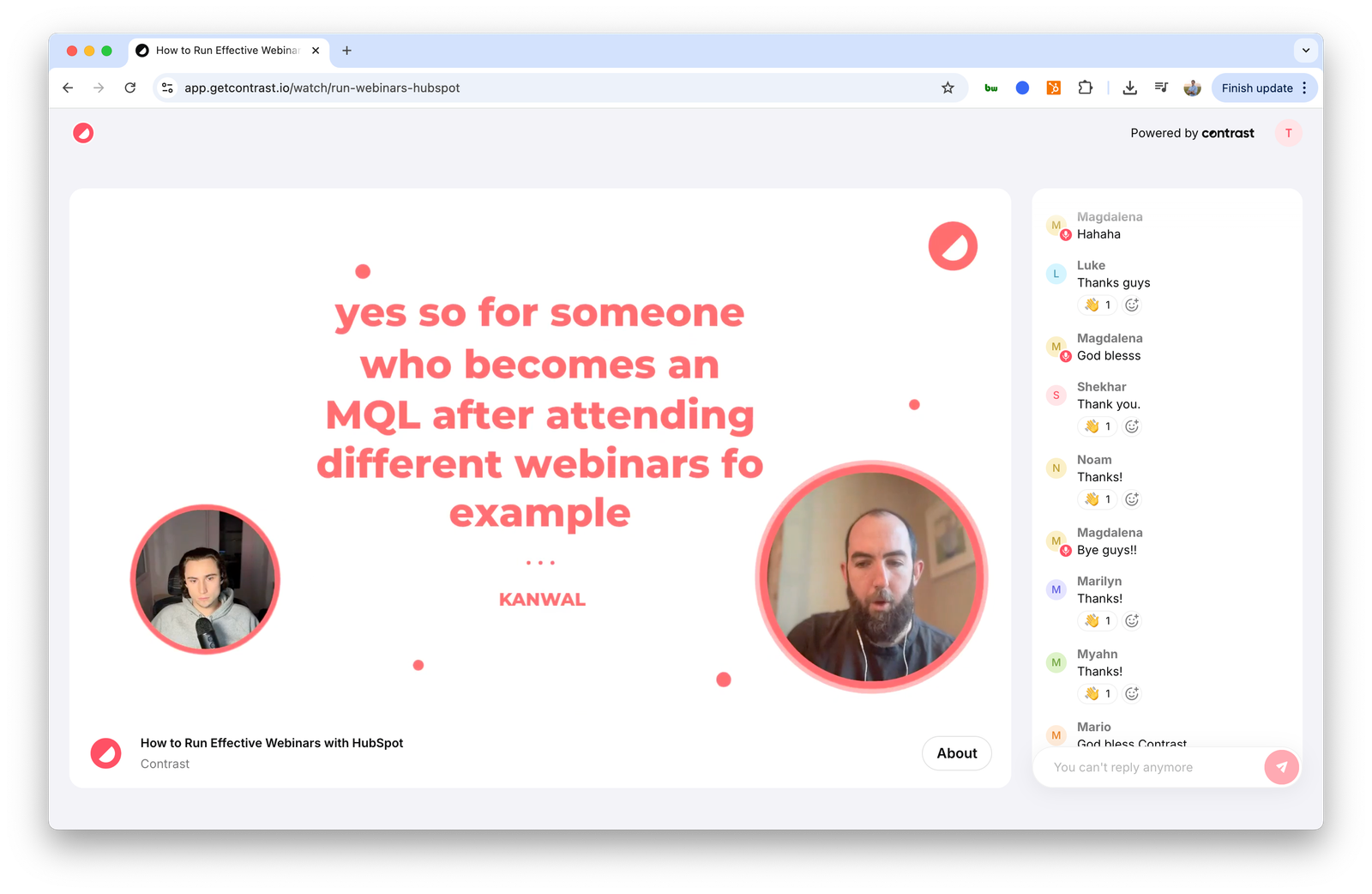
Even with a strong story, webinar content can still fall flat if it’s one-way. Engagement keeps people involved and helps you understand what actually matters to the audience while the session is happening. Used well, engagement lets the audience shape the session in real time and gives you clear signals you can act on later.
If you want a deeper breakdown of interactive formats and tactics, this guide on webinar engagement strategies goes into more detail.
Why engagement matters for webinar content:
- Attention drops faster when people are passive
- Interaction keeps people mentally present
- Audience input improves the quality of the conversation
- Engagement creates data you can use after the webinar
Engagement should shape the experience, not distract from it
The goal of engagement is not to add as many interactive moments as possible. It’s to use interaction to guide the experience.
Pro tip: Share audience questions or poll results directly on stream. Answering them live turns the webinar into a real exchange and gives people access to voices they wouldn’t normally get to interact with.
Simple engagement moments can:
- Confirm whether the audience agrees or disagrees
- Surface objections or confusion early
- Help you address questions in real time
This makes the webinar feel responsive instead of pre-planned.
Better engagement leads to better follow-up and ROI
Engagement doesn’t stop when the webinar ends. Questions, poll responses, and time-watched all signal interest and intent. Those signals make follow-up easier and more relevant. Instead of sending the same message to everyone you can tailor outreach based on what people actually did.
4. Repurpose your webinar content to create long-term value
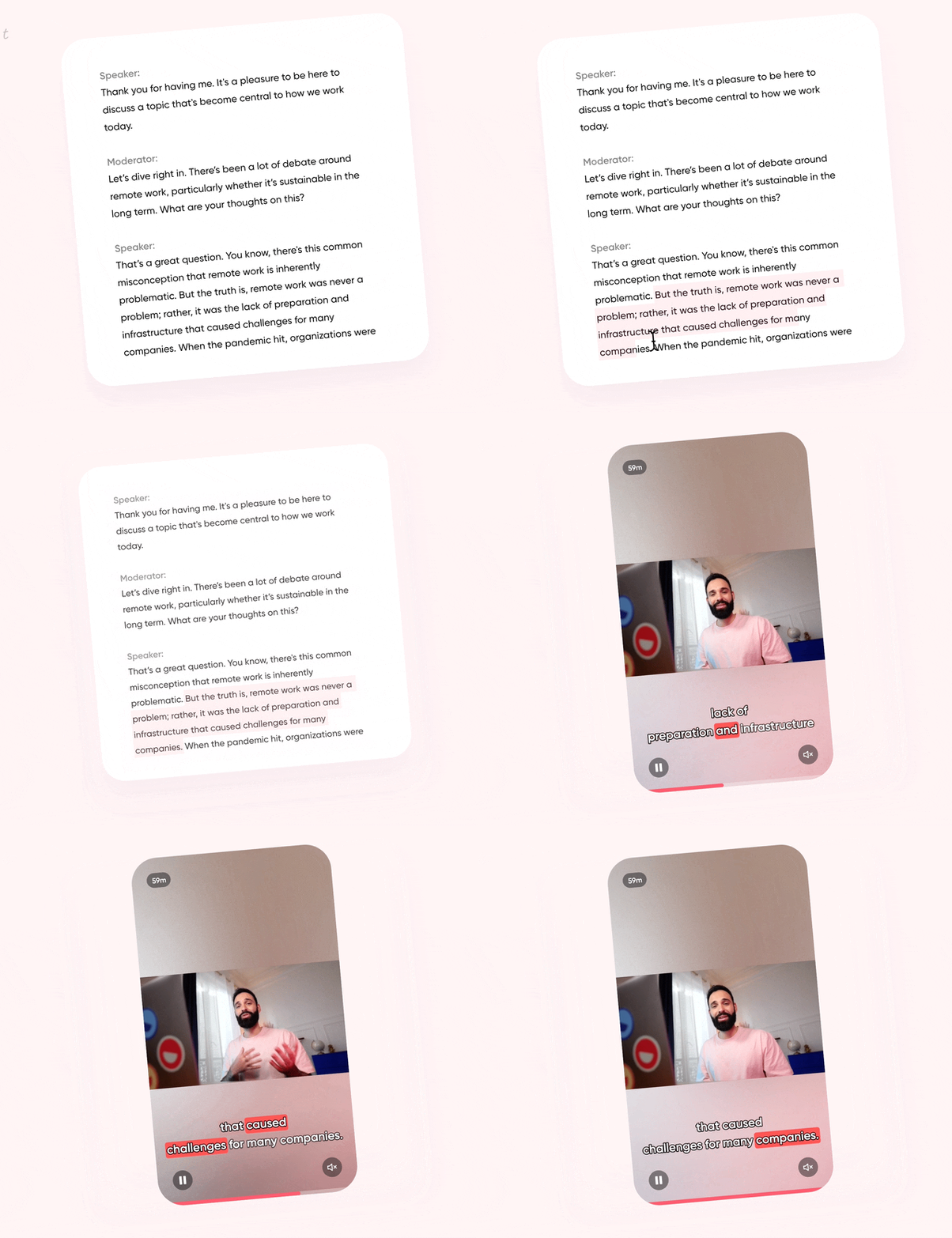
A live webinar happens once. The thing is most people will not see it live. The recording becomes an asset. You can clip it, pull out key moments, turn the transcript into other written content, and share it over time. The live moment ends, but the content keeps working.
Why repurposing webinar content matters:
- Live attendance is only a small part of total reach
- Good ideas shouldn’t disappear after one session
- Repurposing extends impact without starting from scratch
Repurposing isn’t about doing more work. It’s about using what you already have. This guide shows how to use AI to repurpose video content.
Focus on extending value, not just creating clips
It’s easy to think of repurposing as cutting a webinar into smaller pieces. The goal is to keep the content useful after the live moment.
That might mean:
- Making the webinar available on demand
- Highlighting key ideas for people who could not attend
- Using audience questions to inform future content
When repurposing is done well, webinar content becomes part of an ongoing conversation instead of a single moment in time.
5. Choose the best platform

Choose the easiest webinar platform
Contrast offers a complete solution—no extra tools required.
Start for freeYour webinar platform affects how easy it is to actually do the things we’ve covered in this guide and how much time they take. A good platform helps you run engaging sessions while capturing useful data for follow up. If you’re starting to compare tools, this overview of the best webinar software can help you narrow things down.
Why the platform matters for webinar content:
- It determines how easy it is for people to engage
- It affects what audience signals and data you can capture
- It shapes how confidently you can follow up after the webinar
- It influences how much long-term value you get from your content
If webinar content is a priority then your platform should support the full lifecycle. That includes live engagement, audience insight, follow-up, and repurposing.
Contrast was built with this exact workflow in mind. From live engagement to follow-up and repurposing. It helps you get more value from every webinar without extra work.
Book a demo to see how it works.
6. Great webinar examples
Great webinar content can take many forms, but usually follows the same patterns. These examples show how different teams apply listening, story, engagement, and follow-up in real sessions.
Common examples of effective webinar content
- HubSpot using live audience polls to shape the discussion
- KitchenAid teaching real recipes through hands-on product use
- Semble running focused product demos around one clear use case
- Rally hosting panel discussions around shared audience challenges
- Airfocus turning webinar discussions into written content after the session
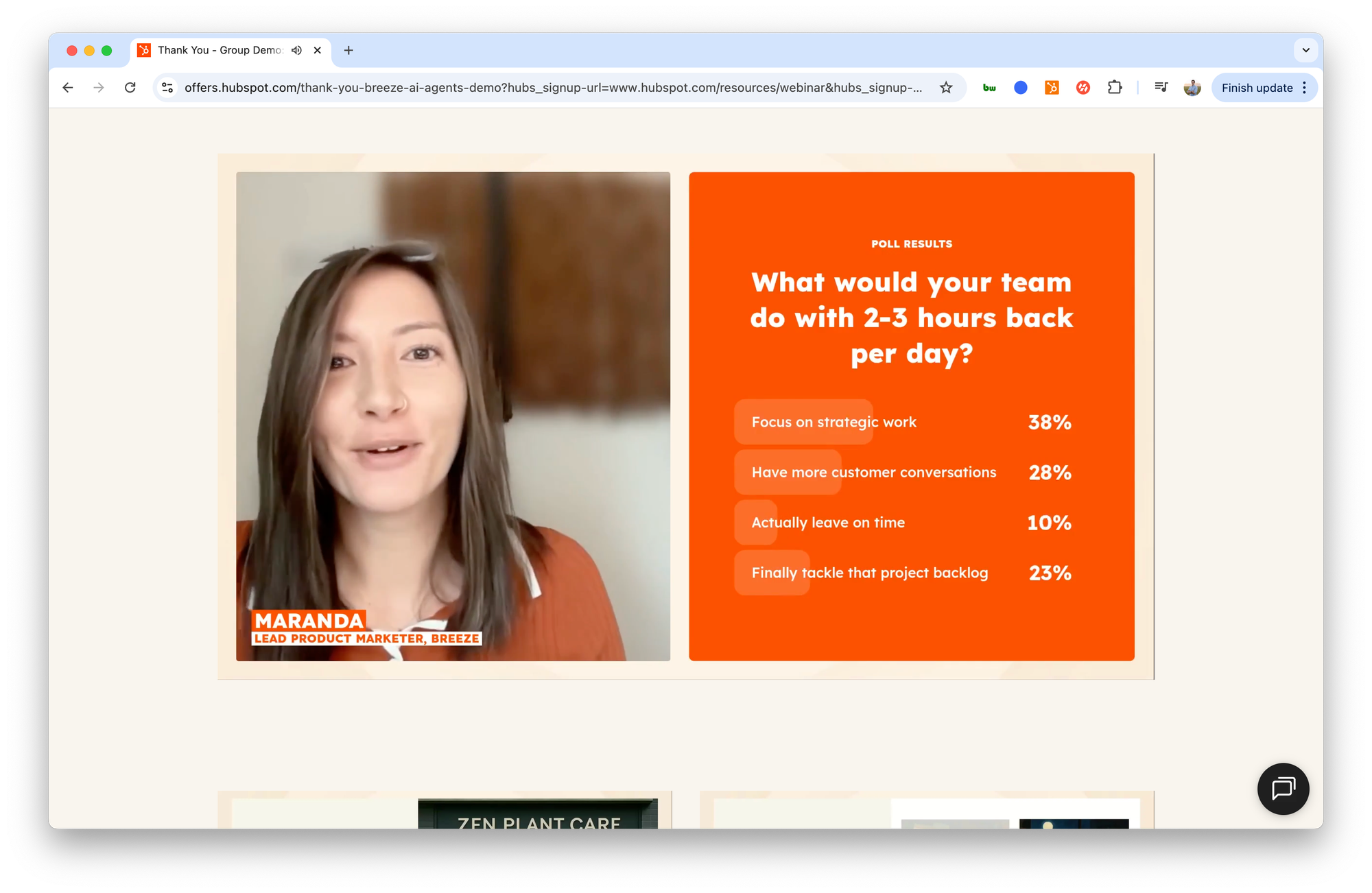
1. HubSpot using live audience poll results to shape the discussion
Audience
Marketing and revenue teams exploring how AI can improve their workflows
Goal
Understand real audience interest and concerns around AI agents
Format
Live demo webinar using polls to guide the discussion in real time
Why it works
The webinar content adapts to what the audience cares about instead of following a fixed script
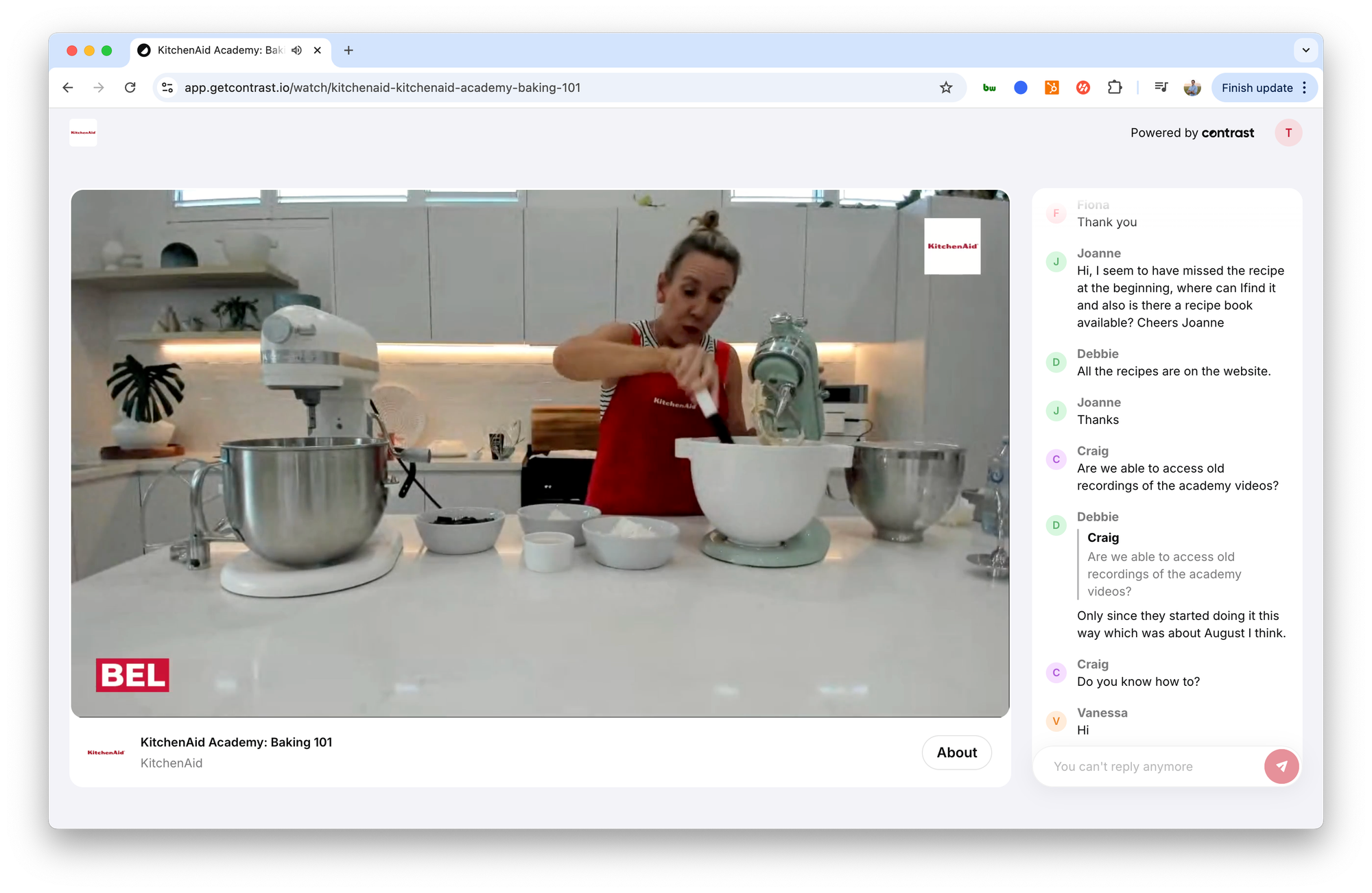
2. KitchenAid teaching real recipes through hands-on product use
Audience
Home bakers who want to improve their skills and get more out of their tools
Goal
Teach foundational baking techniques through real recipes
Format
Live baking class that walks through a recipe step by step
Why it works
The webinar content is practical and visual and the product is shown in use instead of being explained
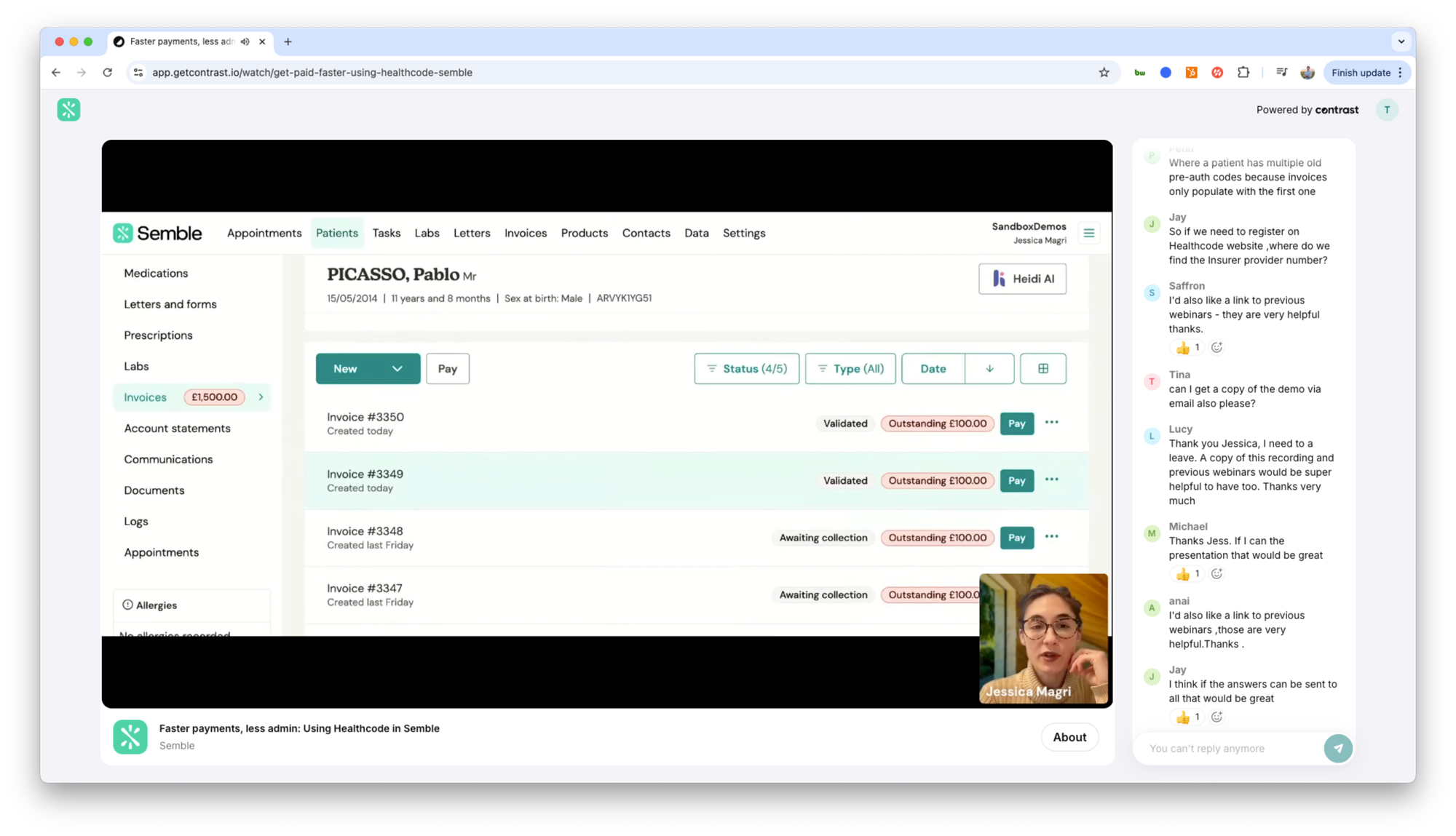
3. Semble running a focused product demo around one clear use case
Audience
Healthcare practices looking to improve billing and payment workflows
Goal
Show how teams can get paid faster by fixing one specific process
Format
Live product demo focused on a single billing workflow
Why it works
The webinar content stays narrow and practical and shows value through one clear outcome instead of a full product tour
4. Rally hosting a panel around shared audience challenges
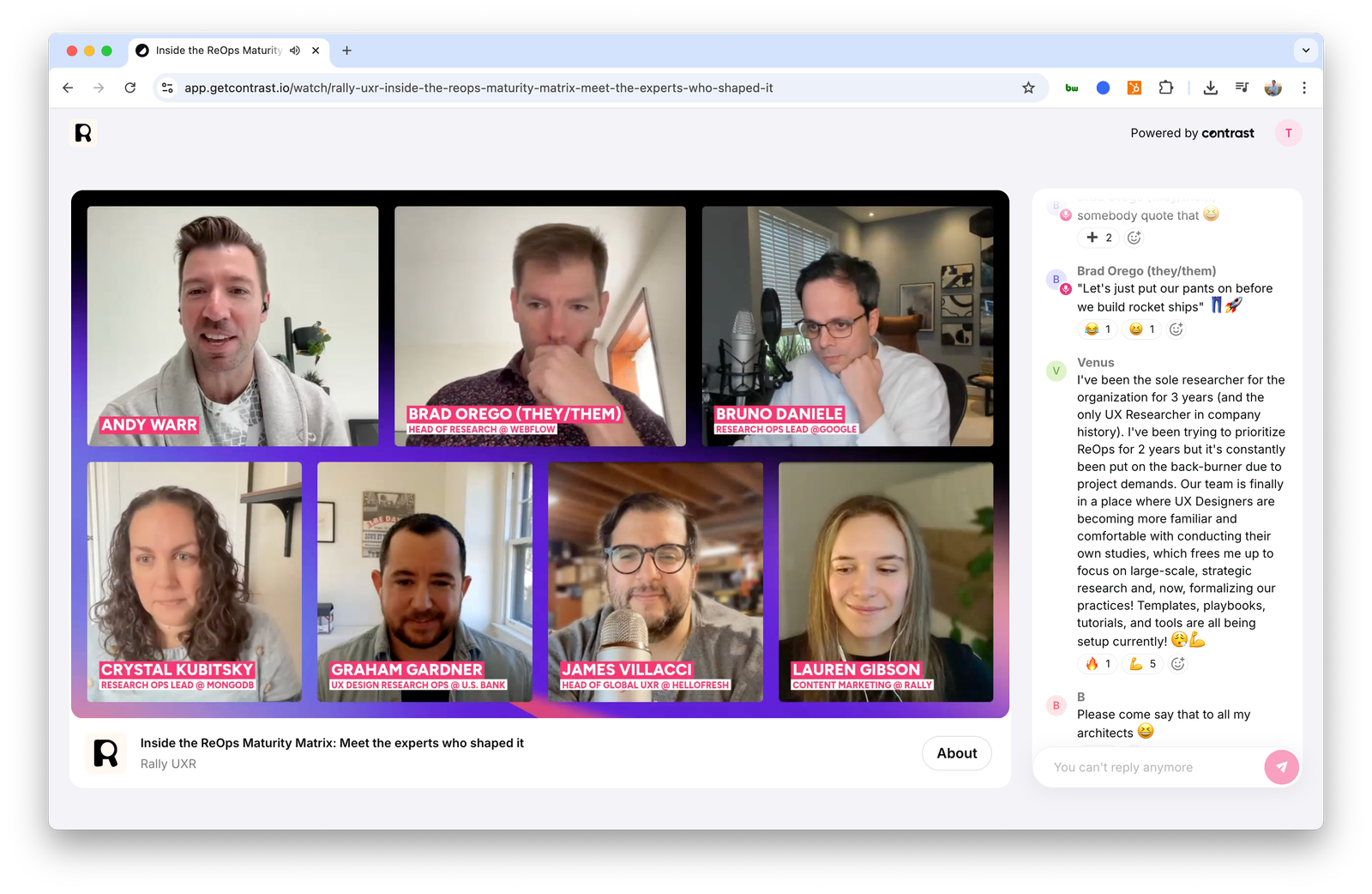
Audience
Research and operations leaders building or scaling research ops teams
Goal
Help teams understand where they are and what to focus on next
Format
Live panel discussion with multiple speakers sharing real experiences
Why it works
The webinar content reflects real challenges the audience recognizes and feels less scripted than a presentation
5. Airfocus turning webinar discussions into written content after the session
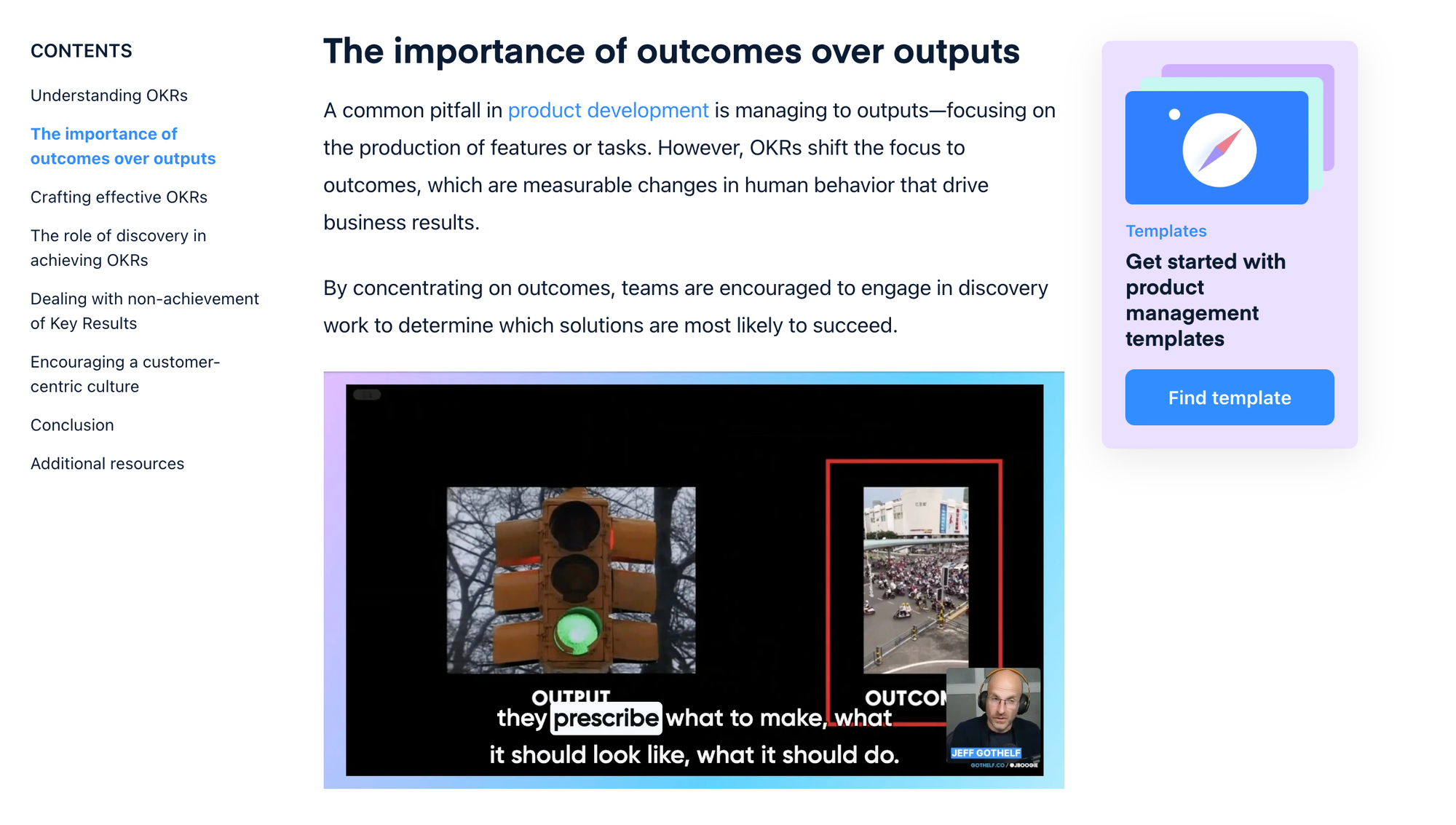
Audience
Product leaders who could not attend the webinar live
Goal
Extend the value of the webinar by sharing key ideas in a new format
Format
Post webinar blog article based on the live discussion
Why it works
The webinar content continues to be useful after the event and reaches a wider audience
Summary
Great webinar content isn’t about doing more. It’s about being intentional. When you listen to your audience, build a clear story, and create space for interaction, webinars stop feeling like presentations and start feeling useful. The rest flows naturally from there.
Here are the key takeaways:
- Webinar content starts with listening to real audience problems
- Strong webinars are driven by story and flow
- Engagement keeps attention high and helps you learn more about your audience
- Better engagement leads to better data, follow-up, and ROI
- Repurposing turns a single webinar into multiple pieces of content
- The right platform makes all of this easy and saves time
The goal isn’t to run more webinars. It’s to create webinar content that people want to attend.